
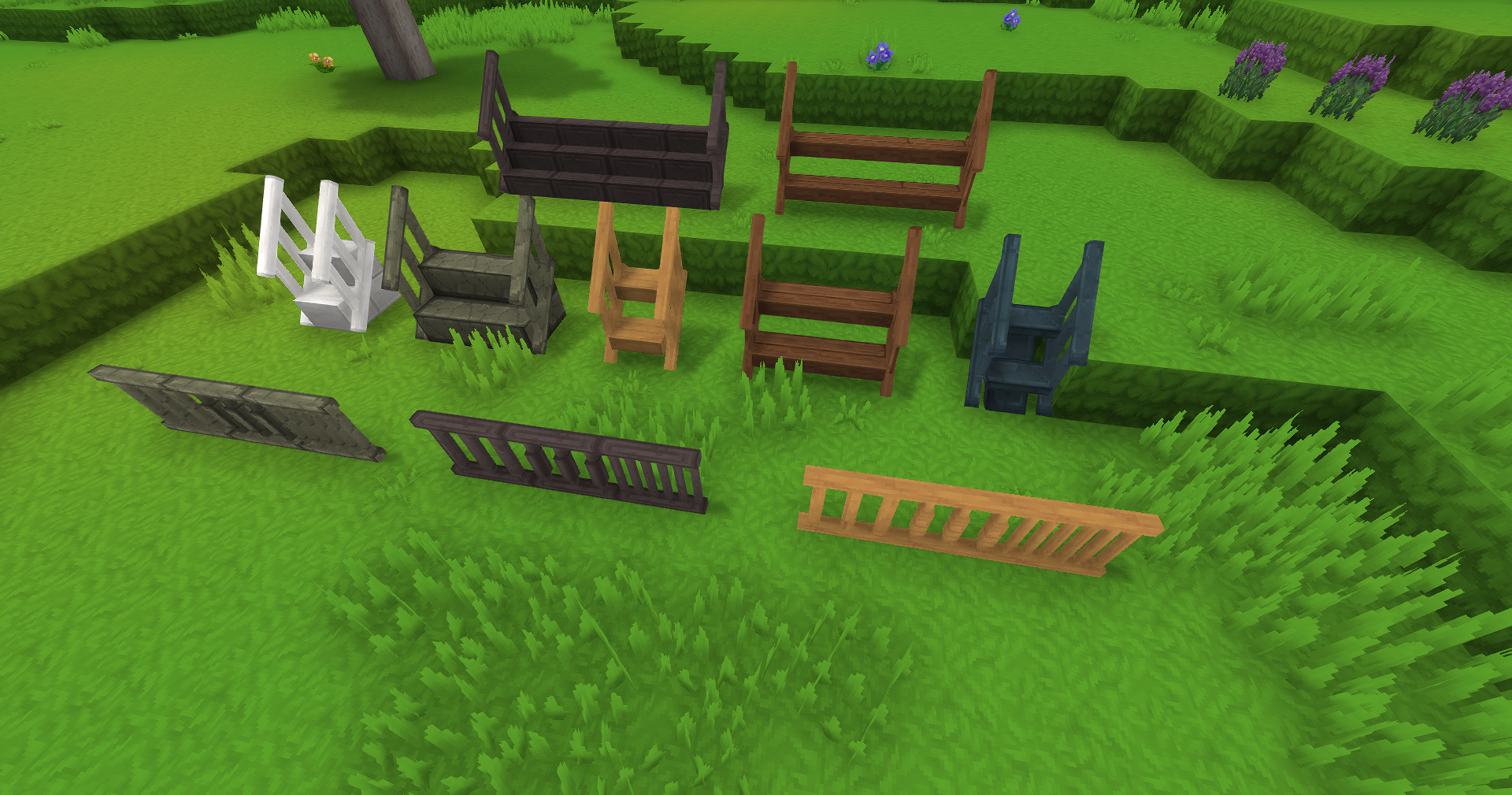
New stair variants with optional railings that can be toggled with the Hammer. Includes standalone railings that work like fences for balconies. Available in all material variants.
Macaw’s Hy Stairs adds new stair variants with built-in railings to Hytale. Created by sketch_macaw, this mod includes standalone railings for balconies and decorative builds.
What Does This Mod Do?
The mod adds new stair types that go beyond the basic blocks, featuring optional railings and multiple material variants for builders who want more detailed constructions.
Key Features
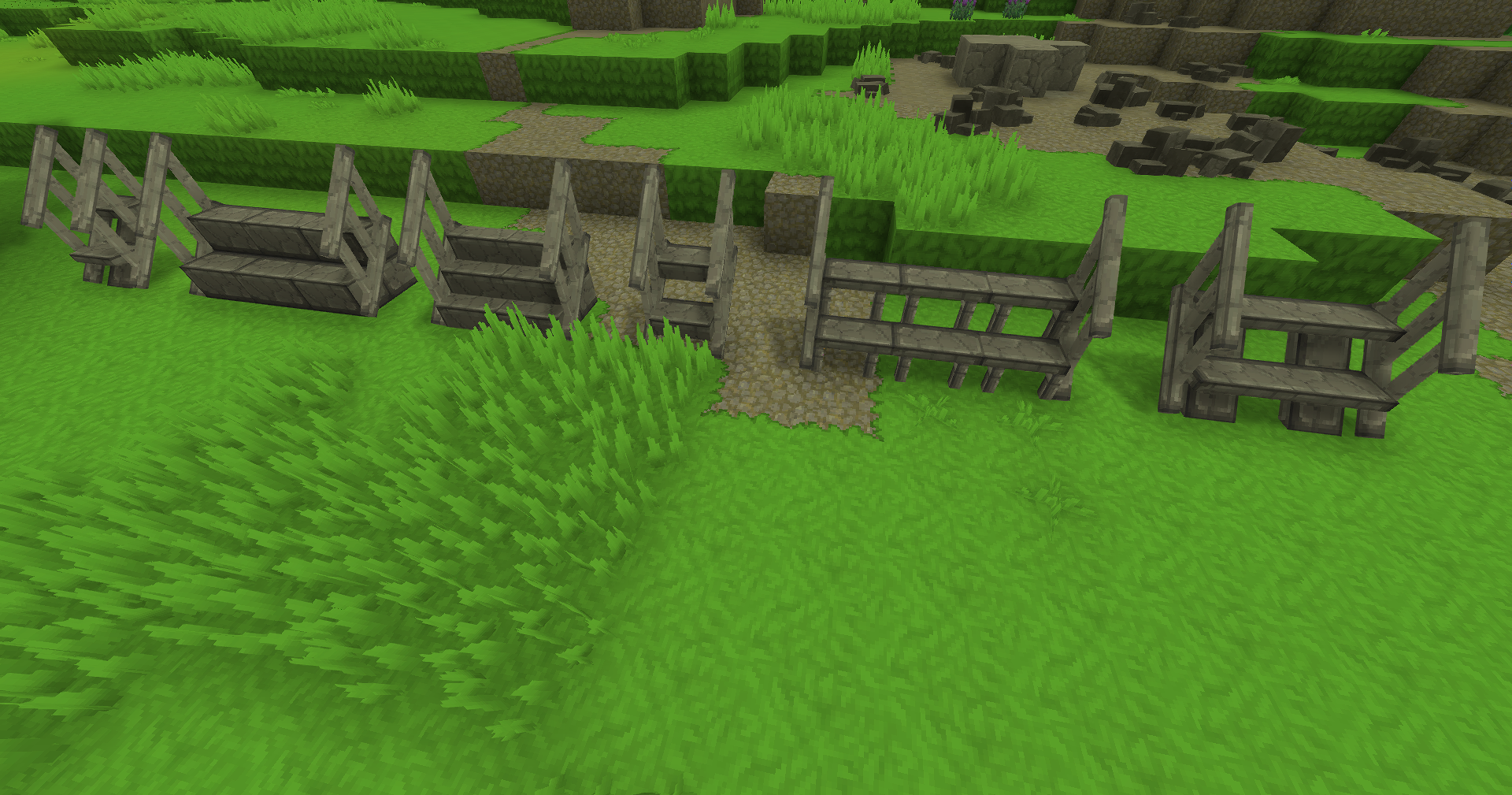
Stairs with Railings
New stair blocks come with optional railings that can be toggled using the Hammer tool.
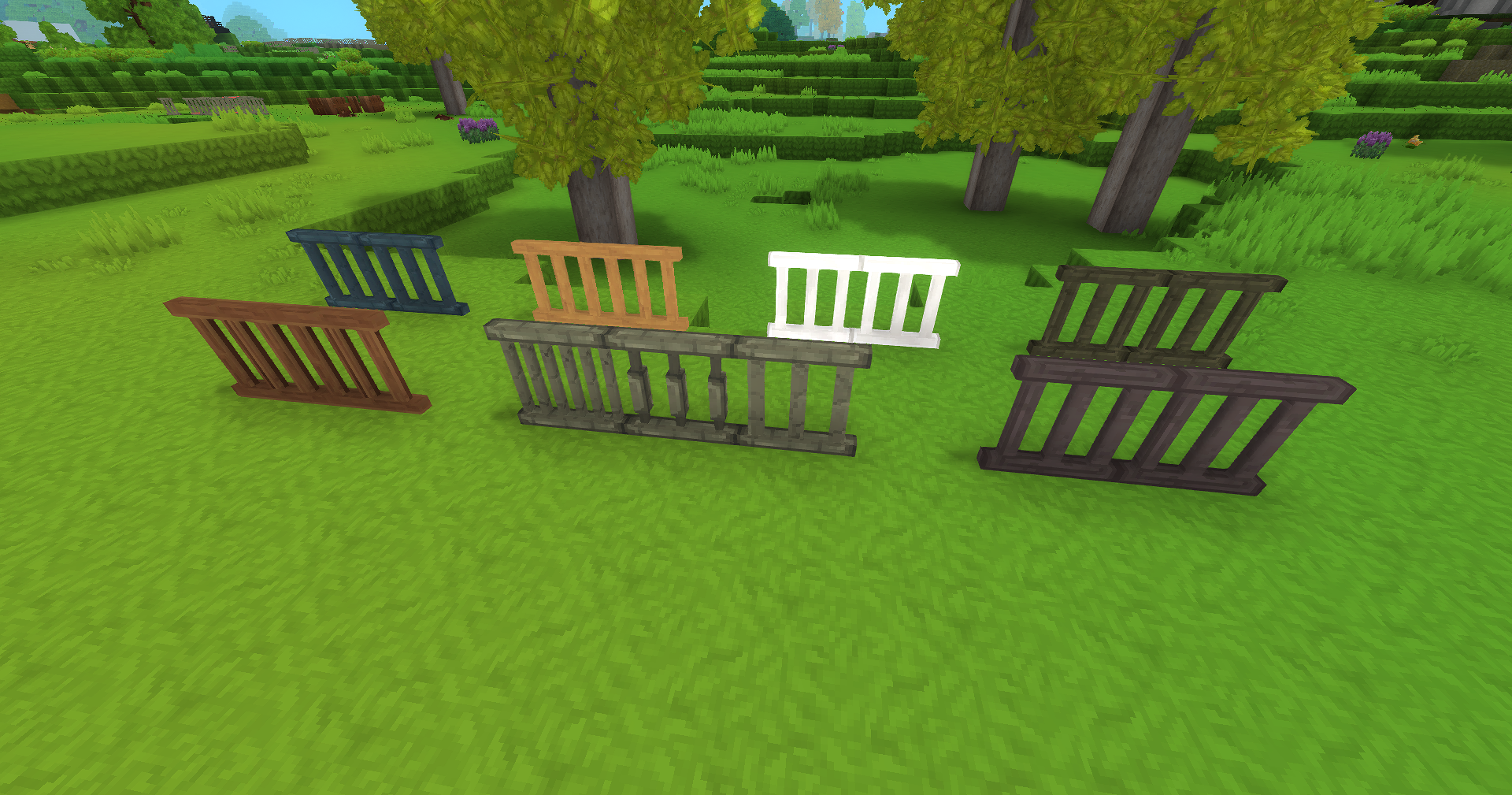
Standalone Railings
Separate railing blocks work like fences, perfect for:
- Balconies
- Elevated walkways
- Decorative barriers
- Outdoor terraces
Material Variants
All stairs and railings can be crafted in different material variants at the Builders Workbench.
Hammer Toggle
Use the Hammer tool to switch between stairs with and without railings after placement.
Crafting
All blocks are crafted at the Builders Workbench using the material variant you want to create.
Who Is This Mod For?
This mod is ideal for:
- Builders wanting detailed staircases
- Players creating multi-level structures
- Those who love decorative building
- Anyone building balconies or terraces
You might not need this if:
- Basic stairs are sufficient
- You prefer minimalist builds
Compatibility
- Hytale Version: Early Access and above
- License: All Rights Reserved
- Works well with: Other Macaw’s mods (Paths, Windows, Furniture)
About the Author
sketch_macaw creates the extensive Macaw’s mod series for Hytale. Assets and gameplay may change in future updates.
Frequently Asked Questions
How do I toggle railings?
Use the Hammer tool on placed stairs to toggle railings on or off.
Do railings connect like fences?
Yes, standalone railings connect to adjacent railings automatically.
Can I mix different material stairs?
Yes, you can place stairs of different materials next to each other.