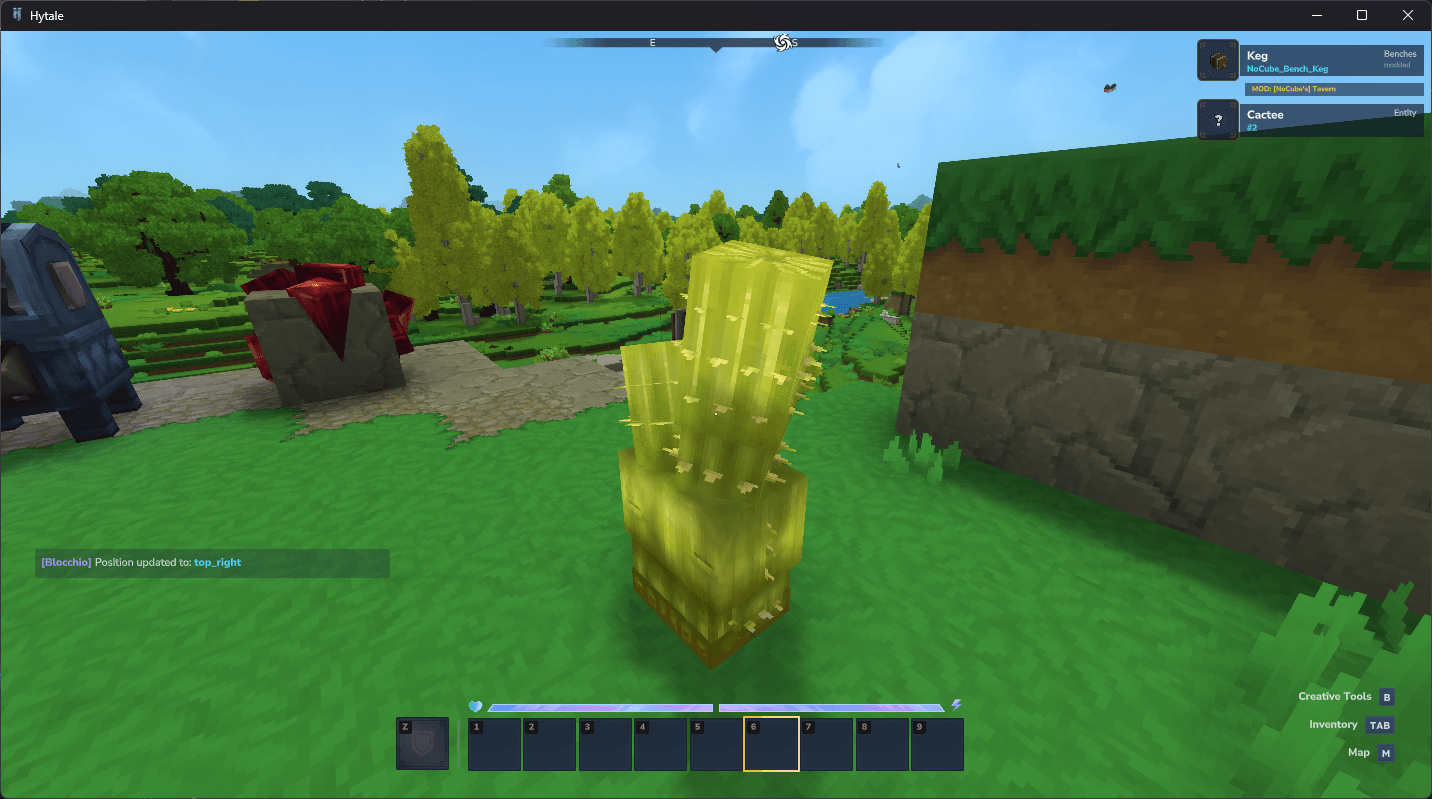
A lightweight WAILA-style information display for Hytale. See detailed real-time info about any block or entity you look at in a clean side panel HUD.
Blocchio answers the eternal question: “what block is this?” This lightweight plugin displays detailed information about whatever you’re looking at in a non-intrusive side panel.
What It Shows
Point at any block or entity to see:
- Block/entity name
- Internal ID
- Properties and states
- Origin information
Commands
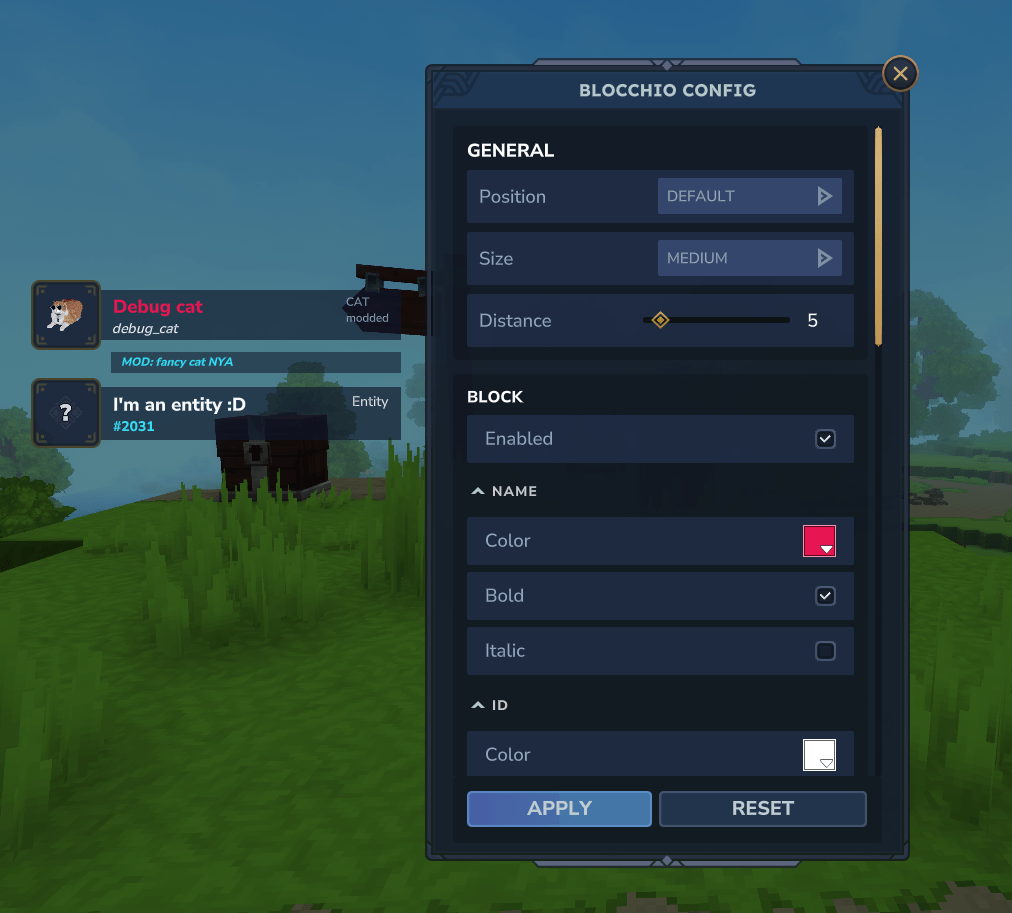
/blocchio size <small|medium|large>- Adjust HUD element size/blocchio pos <default|top_left|top_right|bottom_left>- Reposition the display/blocchio <on|off>- Toggle visibility/blocchio config- Open the settings GUI
Command shortcuts: /bl or /bloc
MultipleHUD Support
Blocchio integrates with the MultipleHUD mod for players running multiple overlay plugins simultaneously.
Server Permissions
For multiplayer servers, admins can control access using these permission nodes:
sureizu.blocchio- Base permissionsureizu.blocchio.command.blocchio.*- All commands- Individual nodes for specific commands (config, toggle, on, off)
Installation
- Download the mod file using the button above
- Place it in your Hytale mods folder:
%appdata%\Hytale\UserData\Mods - Enable the mod when creating or loading a world