
Separate armor appearance from stats with cosmetic slots. Wear powerful armor while displaying your favorite look, or hide armor completely with vanish mode.
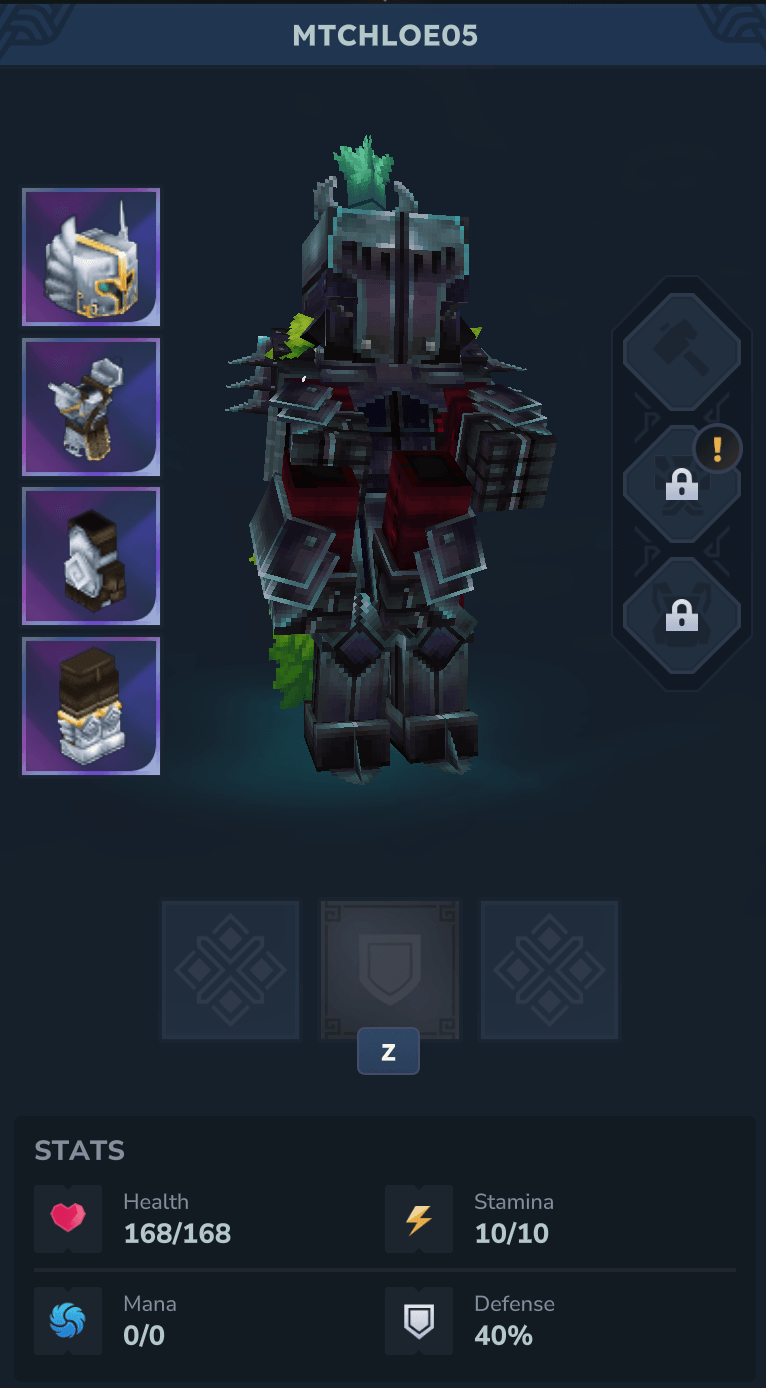
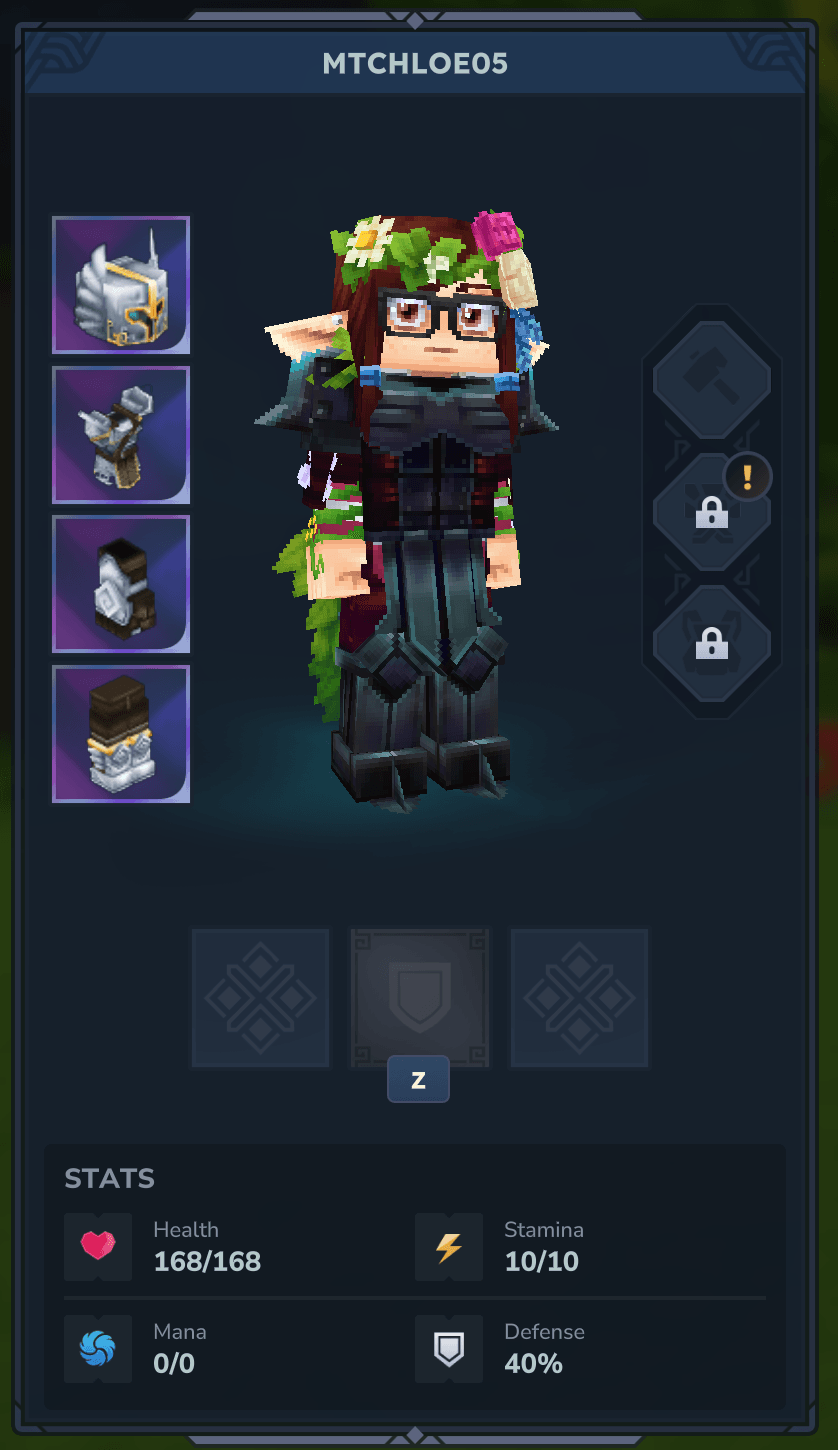
Chloe’s Cosmetic Armor lets you have the best of both worlds: wear powerful armor for its stats while displaying completely different armor for aesthetics. No more choosing between looking cool and being effective.
How It Works
The mod adds cosmetic armor slots that override your visible appearance without affecting your actual equipment stats. You can also use the vanish feature to hide armor pieces entirely.
Getting Started
To access cosmetic slots, you need to craft a Mirror:
- Open your Workbench
- Go to the “Tools” section
- Craft a Mirror using almost any ingot (the ingot type only affects the mirror’s appearance)
Using the Mirror
- Secondary Action (Default: Right-Click) - Opens cosmetic armor slots
- Use Key (Default: F) - Opens vanish slots menu
Commands
For testing purposes, these commands are available:
/cca-set-item <slot>- Sets your main hand item in a cosmetic slot (head, chest, hands, or legs)/cca-clear-item <slot>- Clears a cosmetic slot and restores original rendering/cca-vanish-item <slot>- Toggles slot vanish (vanished slots never render armor)
Note: Items must be appropriate for their slot - you can’t wear a helmet as pants.
Important Notice
This mod is in early access like the game itself. While tested, unexpected issues may occur. Always make backups of your world before installing new mods.