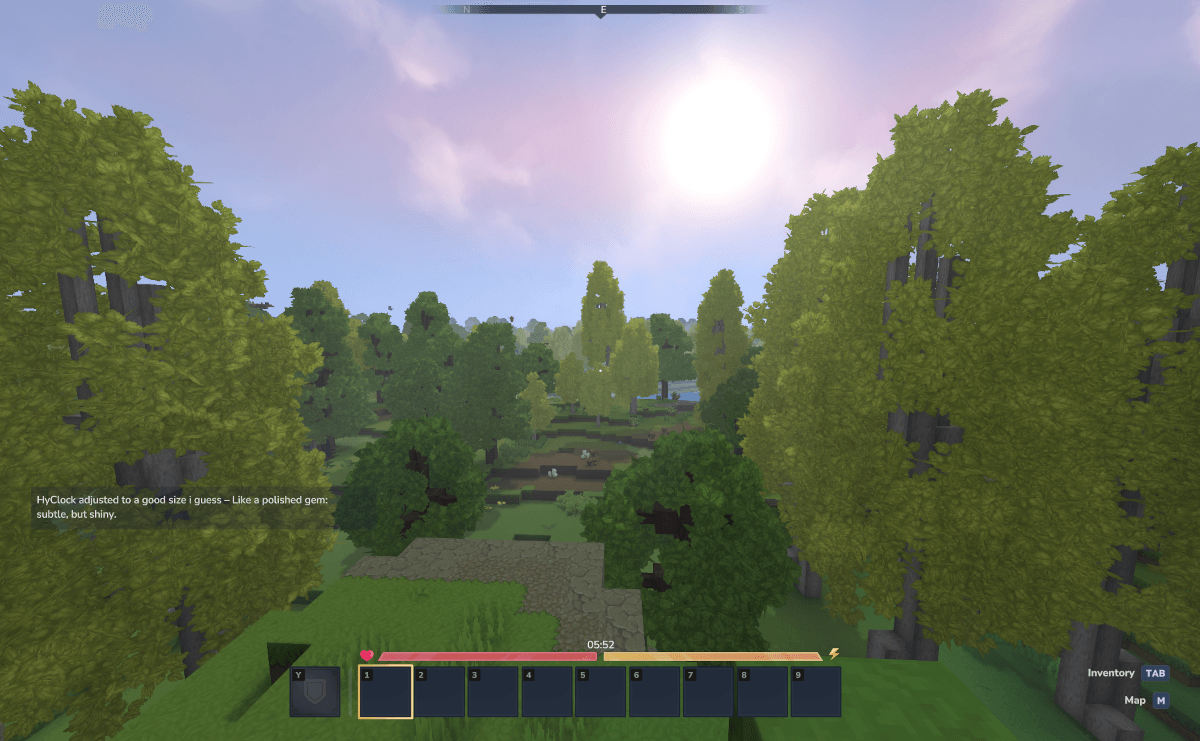
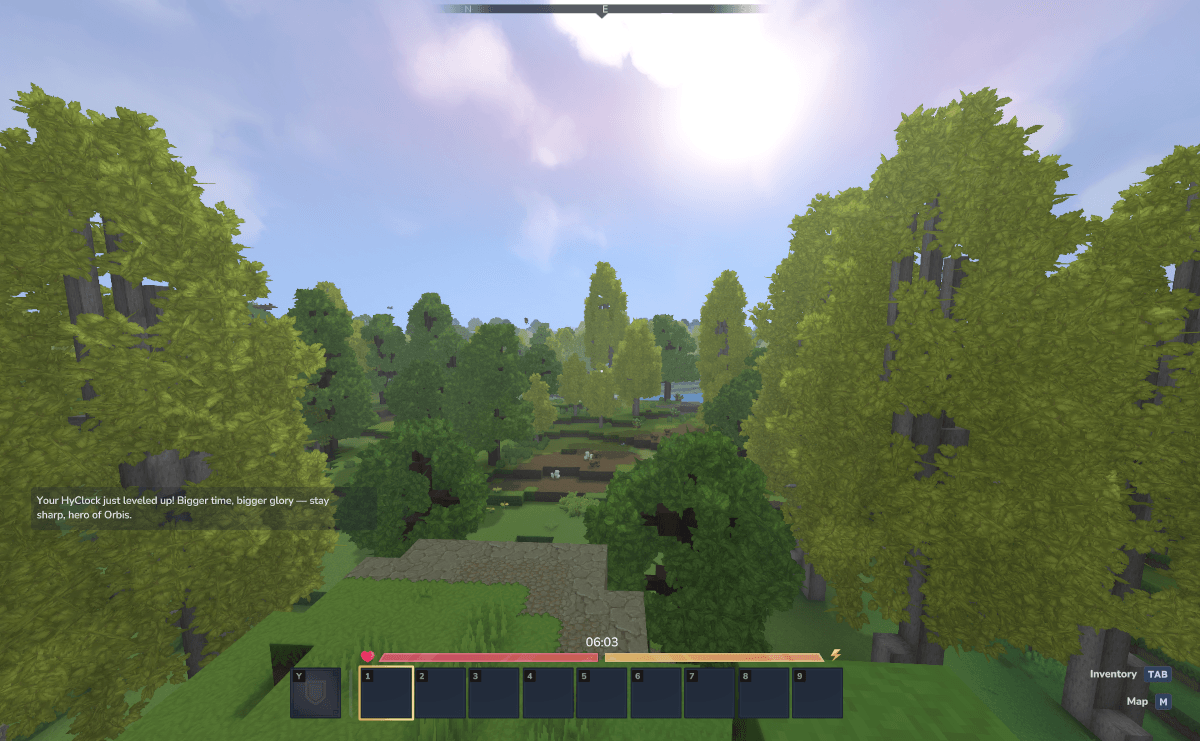
HyClock adds a lightweight, customizable in-game clock to your HUD. Features adjustable size and position with server-friendly player preferences that save automatically.
Keep track of in-game time with HyClock, a lightweight mod that adds a clean, unobtrusive clock to your Hytale HUD. Powered by Vicronix, this simple utility enhances your gameplay awareness without cluttering your interface.
What Does This Mod Do?
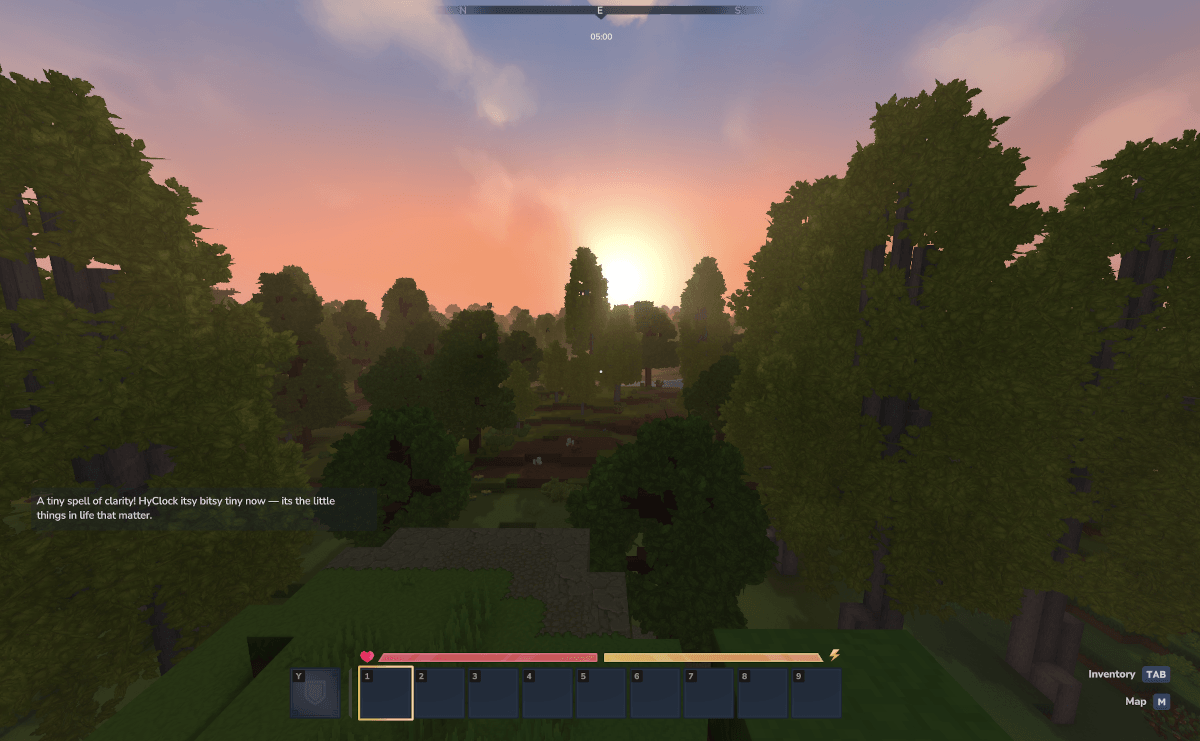
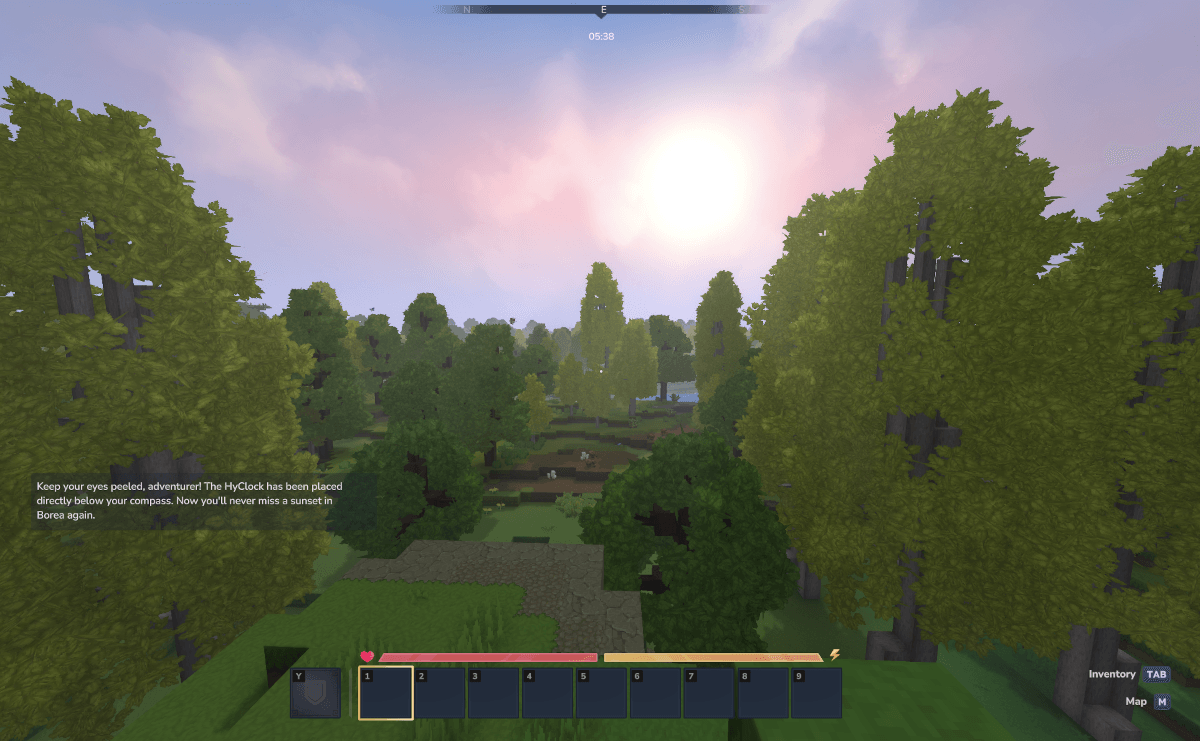
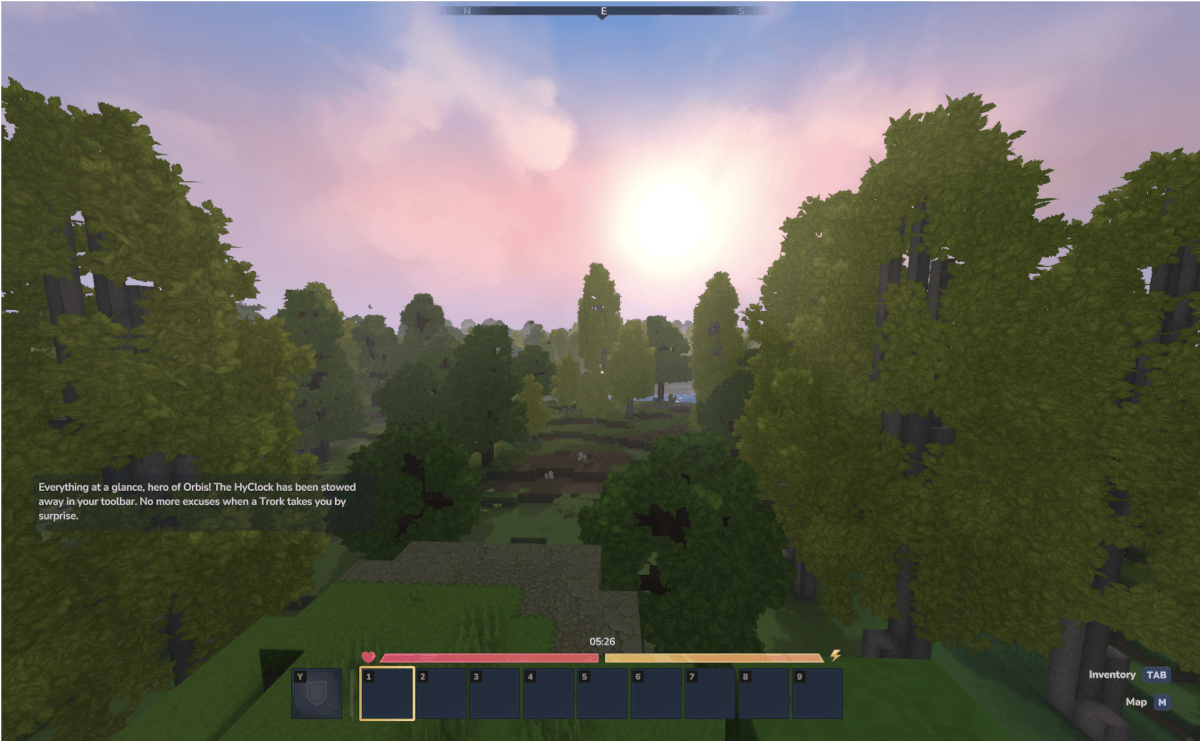
HyClock displays the current in-game time on your screen, helping you plan activities around the day-night cycle. The clock integrates seamlessly with your existing HUD, appearing beneath the compass by default or optionally above your toolbar.
Key Features
Clean Interface Design
The clock display is designed to complement Hytale’s aesthetic:
- Minimal footprint on your screen
- Clear, readable time format
- Non-intrusive positioning
- Blends with existing UI elements
Customizable Position
Choose where the clock appears on your screen:
- Default: Beneath the compass
- Alternative: Above the toolbar
- Use
/HyClockUpand/HyClockDownto switch
Adjustable Size
Scale the clock to your preference with four size options:
- Tiny - Minimal screen presence
- Normal - Balanced visibility
- Medium - Easy to read at a glance
- Large - Maximum visibility
Server-Friendly
Perfect for multiplayer environments:
- Each player’s preferences saved individually
- Settings persist between sessions
- No server-side configuration required
- Works on any server with client mods enabled
Commands
Position Commands
/HyClockUp- Move clock to upper position (below compass)/HyClockDown- Move clock to lower position (above toolbar)
Size Commands
/HyClockTiny- Set smallest size/HyClockNormal- Set default size/HyClockMedium- Set medium size/HyClockLarge- Set largest size
How to Use
- Install the mod and launch Hytale
- The clock appears automatically beneath your compass
- Use commands to adjust position if desired
- Use size commands to scale the display
- Your preferences save automatically
Who Is This Mod For?
Ideal for:
- Players who plan activities around day/night cycles
- Farmers timing crop growth
- Builders tracking work sessions
- Anyone wanting better time awareness
You might not need this if:
- You prefer a completely minimal HUD
- You do not track in-game time
Compatibility
- Hytale Version: Early Access
- License: All Rights Reserved
- Conflicts: None known
- Dependencies: None required
Frequently Asked Questions
Can I hide the clock temporarily?
Currently the clock is always visible. A toggle feature may be added in future updates.
Does changing size affect readability?
All size options maintain clear readability. Choose based on how prominent you want the clock to be.
Will this affect my game performance?
HyClock is extremely lightweight with negligible performance impact. It simply displays time data already available in the game.