A powerful automation mod introducing pipe-based item transfer between containers. Features smart visual connections, filtering systems, priority routing, and distribution strategies.
HyPipes brings powerful automation capabilities to Hytale, enabling players to create sophisticated item transport networks. Designed with a native-feel philosophy, the system integrates seamlessly with existing containers and blocks.
Core Features
Smart Visual Connections
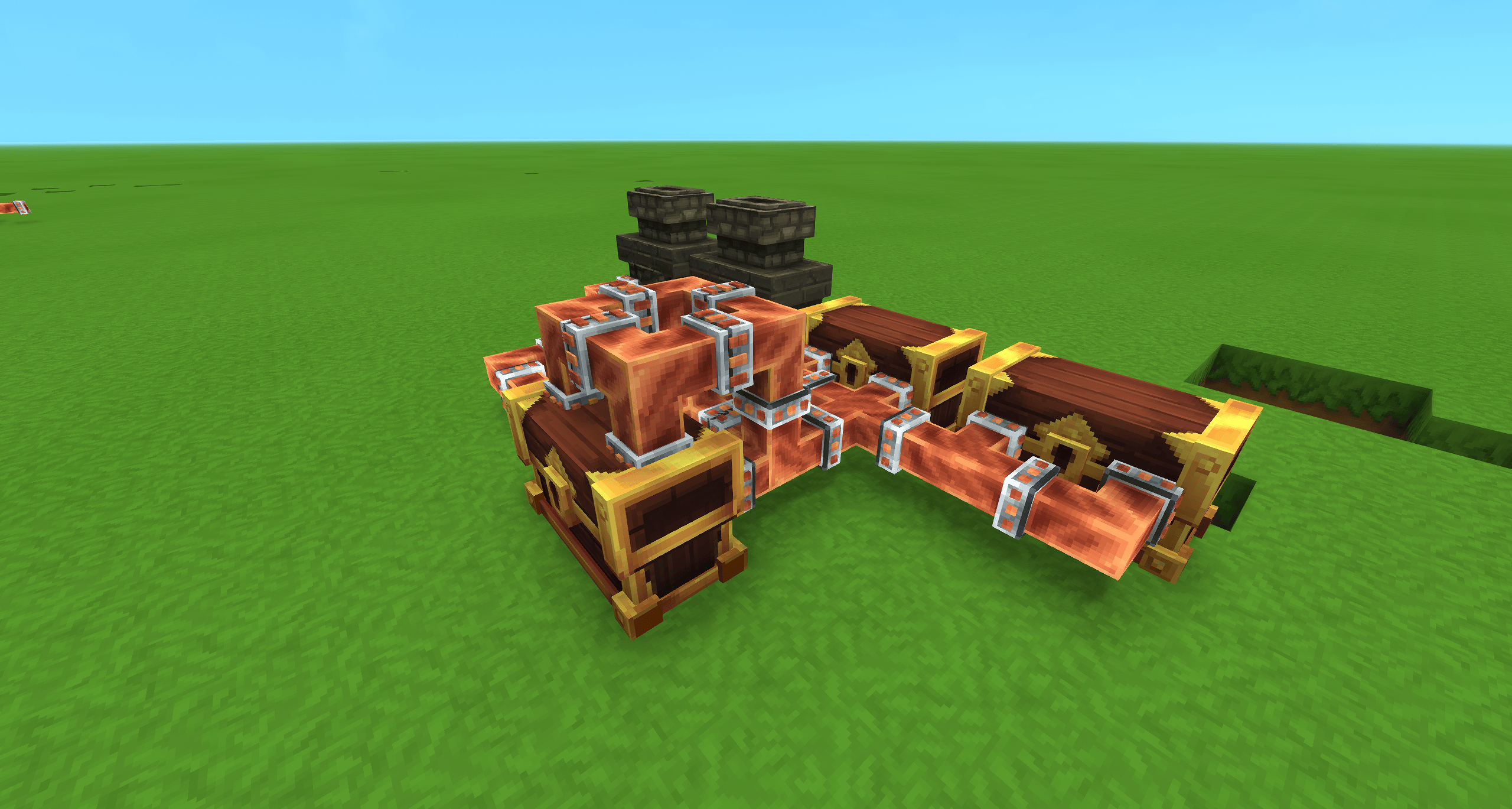
Pipes dynamically adapt their appearance based on surroundings, automatically forming corners, T-junctions, and intersections. No manual configuration required for clean, connected networks.
Toggleable Extractors
Any pipe can become an extractor by pressing F on it. This toggles Extraction Mode, allowing that pipe segment to pull items from adjacent inventories automatically.
Inventory Integration
Fully compatible with standard Hytale containers including chests, crates, furnaces, and storage units. Connect your entire base for automated sorting and logistics.
Filtering System
Global Filter Modes
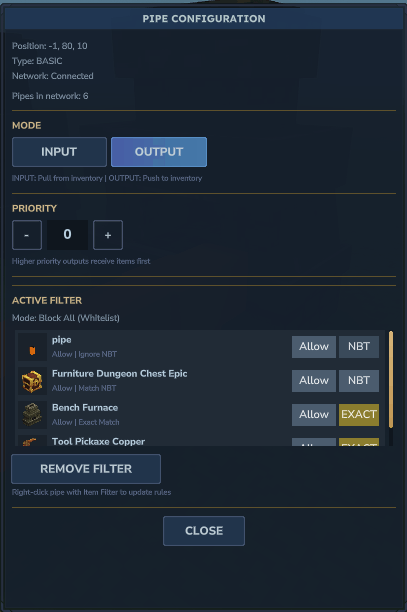
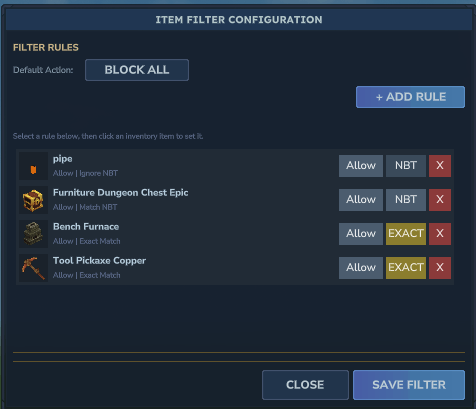
- Whitelist Mode (Block All): Only explicitly listed items pass through
- Blacklist Mode (Allow All): Everything passes except blocked items
Filter Options
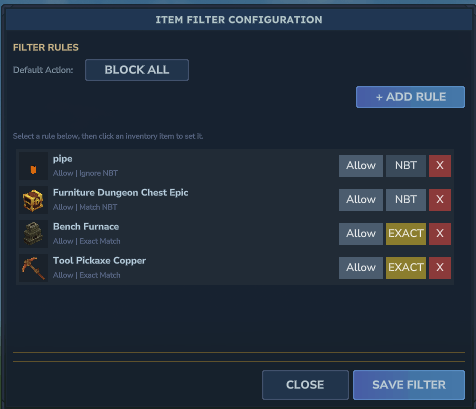
- Match NBT data
- Ignore NBT data
- Exact Match requirements
- Custom rulesets for your world
How to Use Filters
- Right-click the item filter while holding it
- Configure blacklisted and whitelisted items
- Press F on an input pipe to apply the filter
Advanced Logic Control
Priority System
Assign priority levels (0-10) to output pipes. Items always flow to the highest available priority destination. When high-priority outputs are full, items automatically route to the next tier.
Distribution Strategies
For outputs sharing the same priority level:
- Round Robin (Default): Equal distribution one-by-one
- Nearest: Prioritizes physically closest output
- Farthest: Prioritizes physically farthest output
Basic Setup
- Place pipes connecting your source container to destinations
- Press F on the pipe adjacent to the source
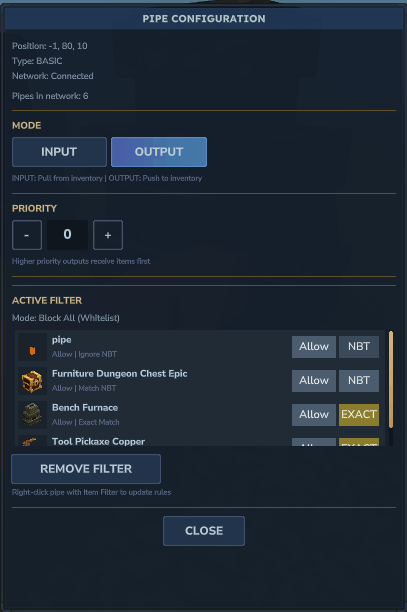
- Configure I/O Mode, priority, and other settings in the GUI
Configuration
Customize transfer rates and timing in pipe_config.json to suit your needs.
Credits
- Ziggle_Dev