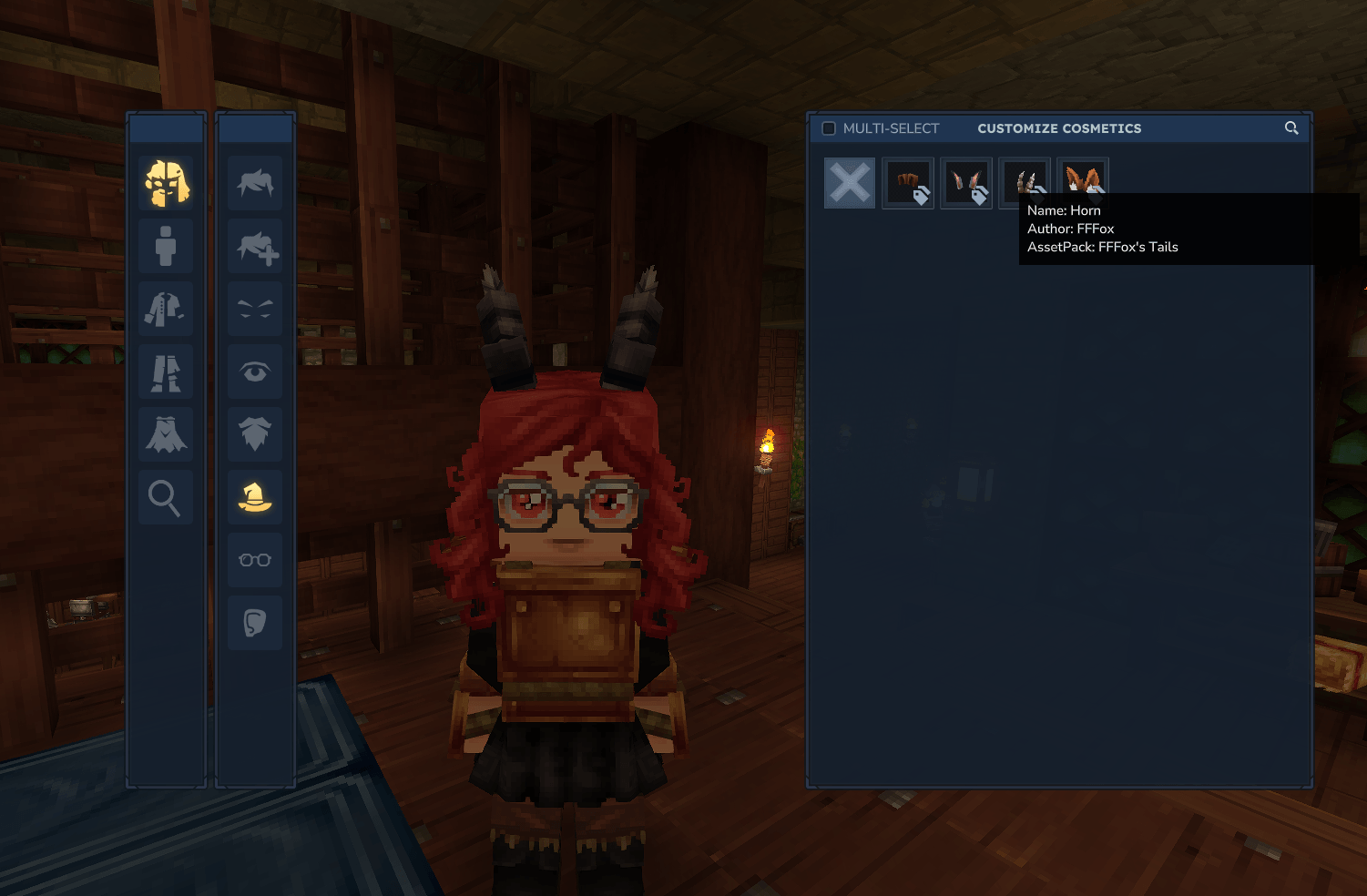
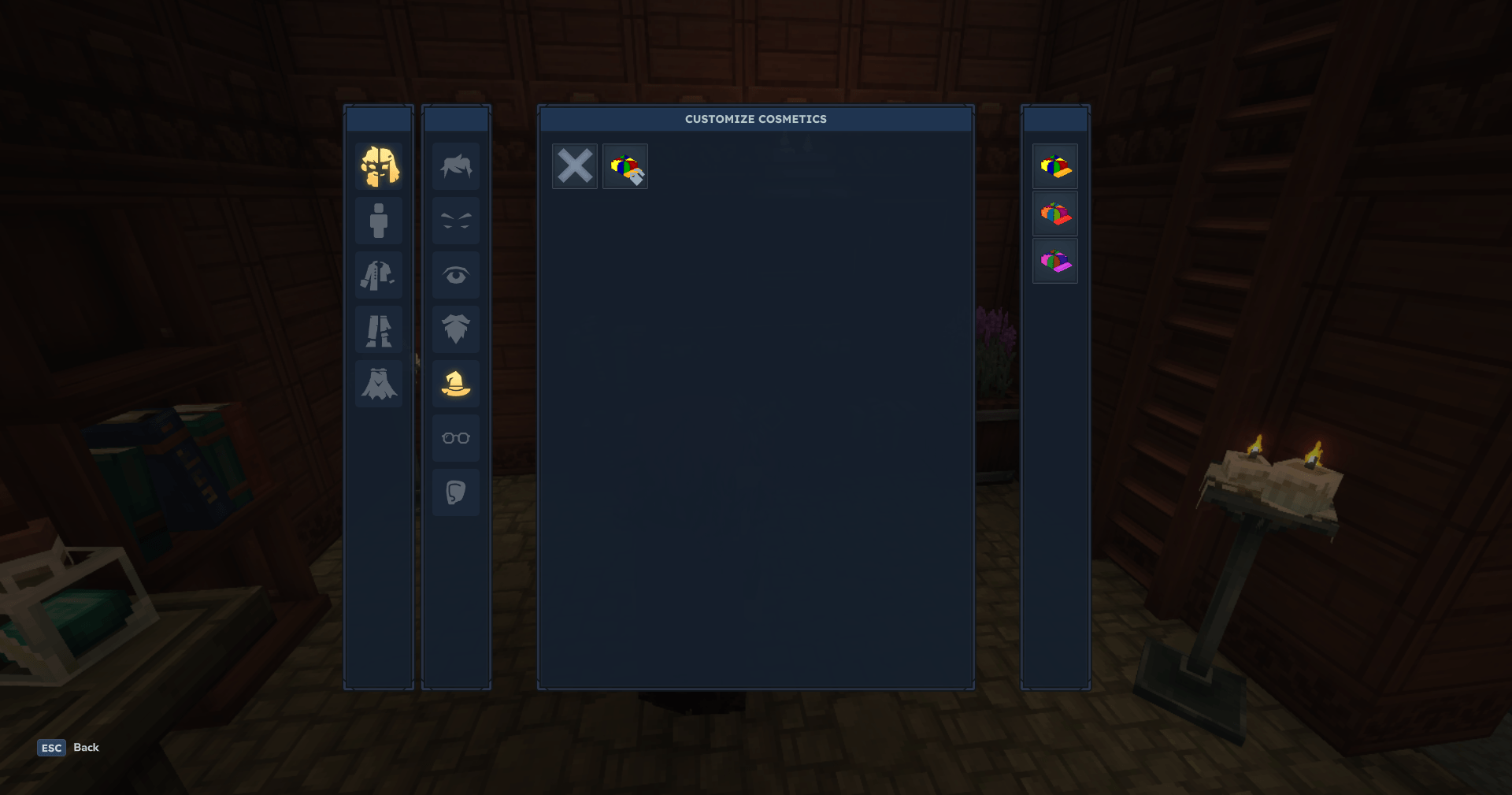
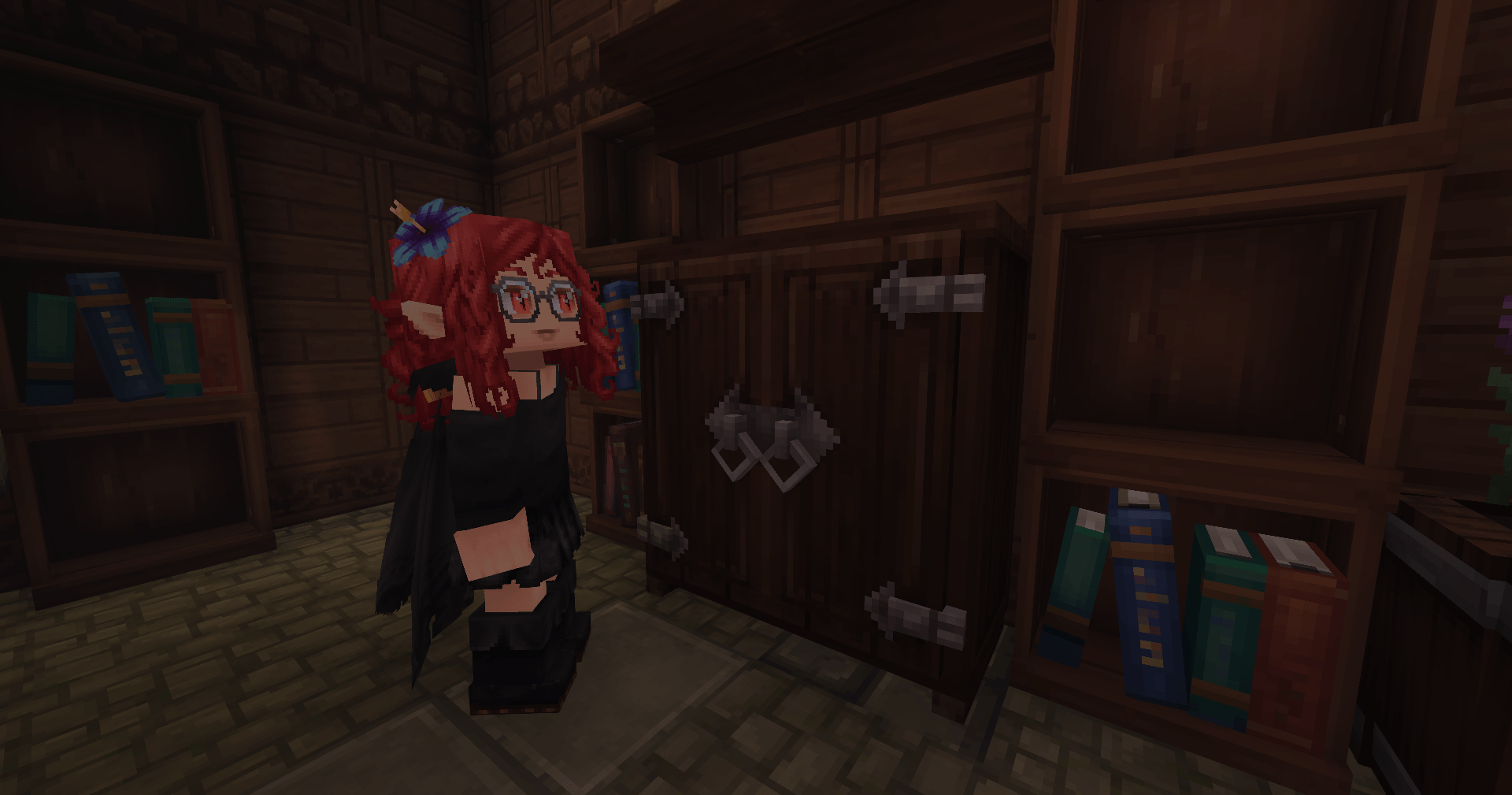
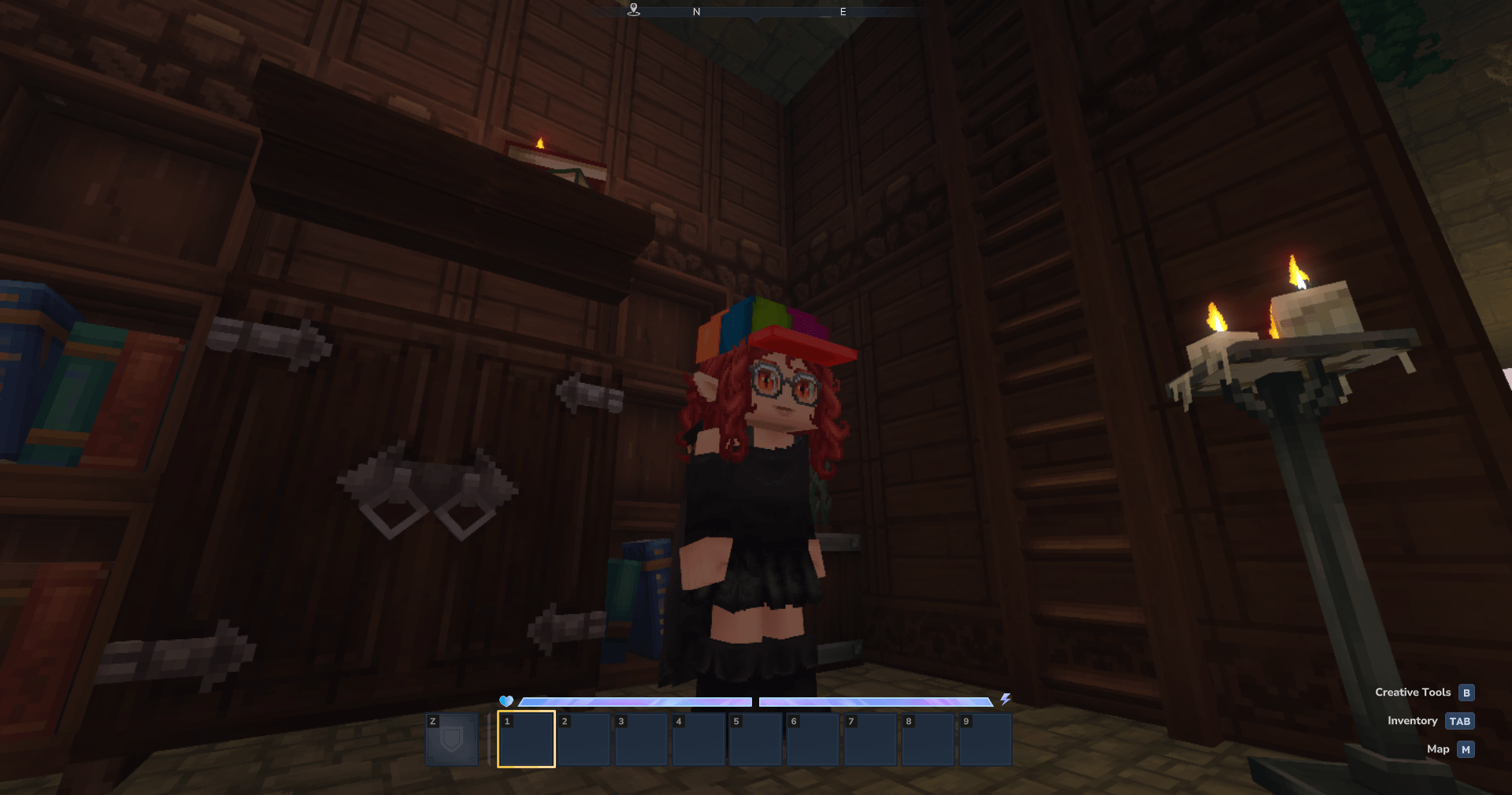
An API that allows players to equip and customize cosmetic items without occupying armor slots. Features a custom wardrobe GUI and support for modders to create new cosmetics.
Lalyan Cosmetic Core is an API for Hytale that allows players to equip and customize cosmetic items without occupying armor slots. It also enables mod creators to add their own custom cosmetics without any Java code.
Features
Cosmetic Wardrobe
Access the custom GUI to customize your cosmetics. You can open it via command or by crafting and using the Cosmetic Wardrobe furniture item.
- Craft at: Builder’s Workbench
- Recipe: 4 of any Hardwood
Easy Selection
The GUI provides a simple way to select cosmetics and variants:
- Left-click a cosmetic to equip it
- Right-click cosmetics with a variant icon to open the variant menu
Cosmetic Slots
Cosmetics can be equipped in various slots:
- Capes, Head, Face Accessories, Ears Accessories
- Gloves, Overtops, Undertops, Underwears
- Pants, Overpants, Shoes
Character Customization
Customize character features including:
- Beards, Ears, Eyebrows, Eyes
- Faces, Mouth, Haircuts, Hair Extensions
Commands
/cosmetic change- Opens the Cosmetic Customization UI (no permissions required)/cosmetic apply <CosmeticId> [override]- Manually apply a cosmetic (OP required)/cosmetic list- Print all loaded cosmetic IDs (OP required)/cosmetic reload- Reload all cosmetics (OP required)/cosmetic clear- Remove all custom cosmetics and reset to default skin (OP required)
For Mod Creators
Registering Cosmetics
Creating custom cosmetics requires three files:
- The cosmetic’s
.blockymodelfile - The cosmetic’s
.pngtexture - The cosmetic’s
.pngicon
Place these in the appropriate folder structure under Common/Resources/Cosmetics/ or Common/Resources/Characters/.
Variants
Add variant textures and icons to create alternate appearances for the same cosmetic item.
Color Gradients
Support for multiple color options using gradient sets like Colored_Cotton, Hair, Skin, and more.
Advanced Configuration
Use JSON files for advanced customization including custom paths, multi-slot cosmetics, and alternative styles.
Compatibility
This mod is compatible with Player Tail Animations.
Installation
- Place the JAR file in your mods folder
- Restart the server
- Craft a Cosmetic Wardrobe or use
/cosmetic change - Start customizing your character