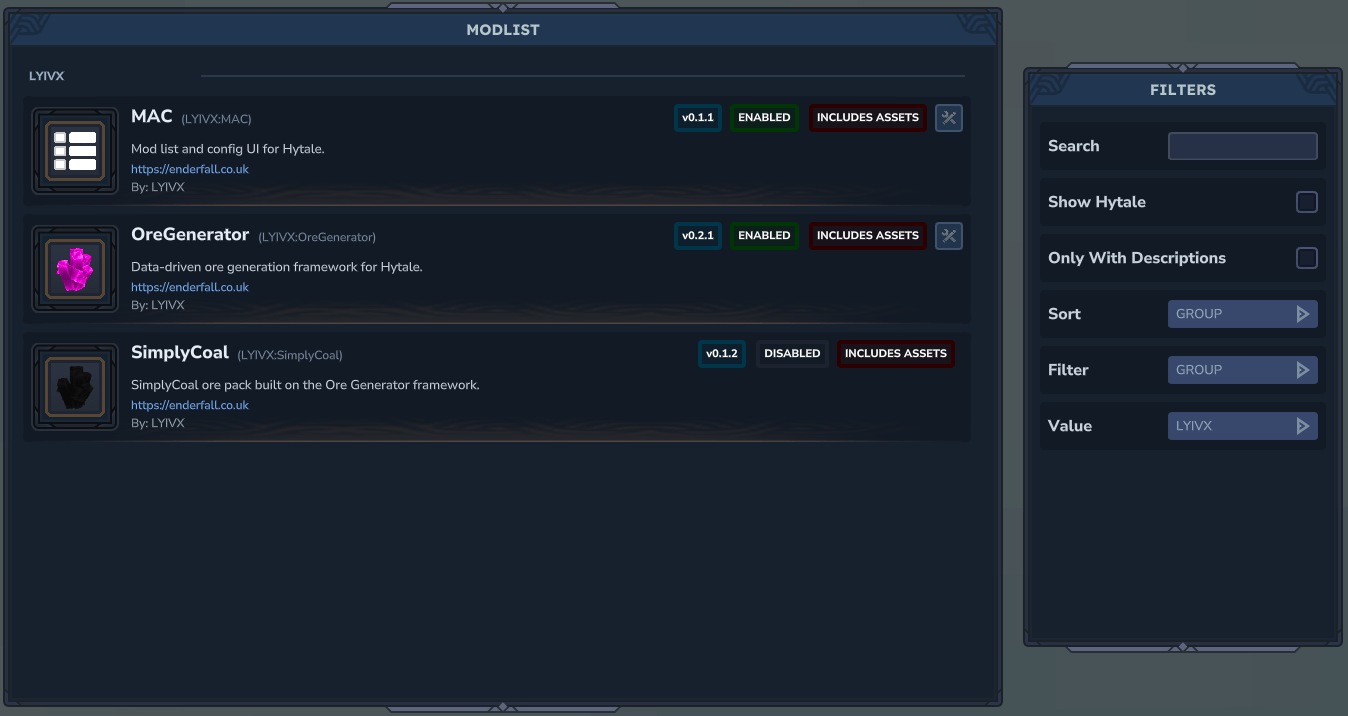
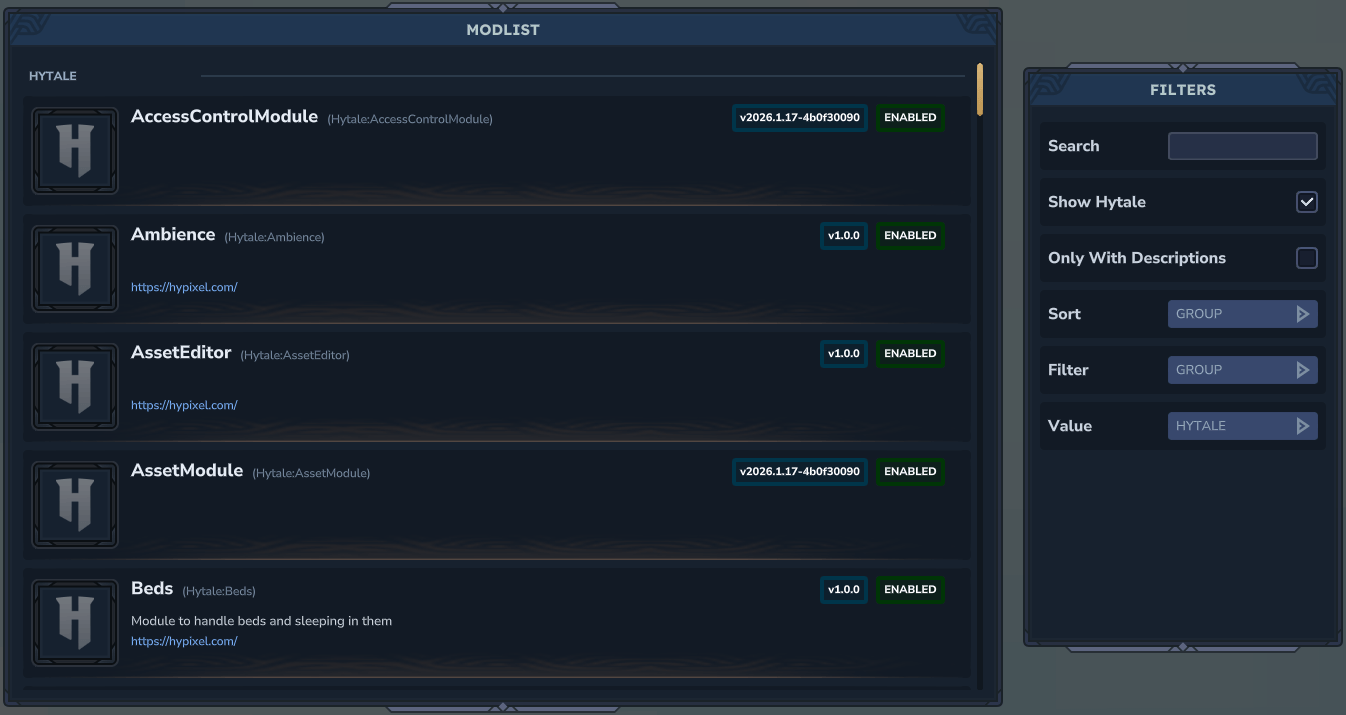
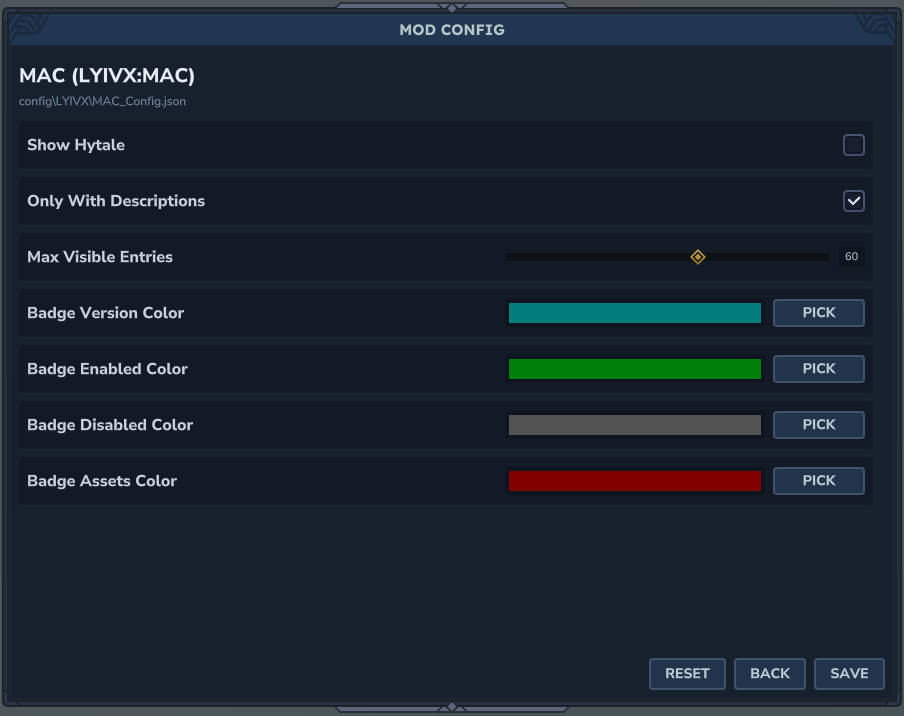
An in-game mod list with rich metadata and a config editor that plugins can hook into. Features sorting, filtering, search, live config reloads, admin controls, and permission nodes for server management.
MAC (ModList And Config) provides an in-game interface for browsing installed mods and editing their configurations without leaving the game.
Features
Mod List
- View all installed mods with name, version, authors, and description
- See enabled/disabled status and asset pack badges
- Per-mod icons with fallback support
- Grouped list sorting, filters, and search
Config Editor
- Edit mod configurations in-game
- Live reloads - changes apply immediately
- Supports multiple field types: boolean, number, slider, enum, color, file, string, array, object
- Section dividers for organized settings
- Inline tooltip bubbles for config fields
- Can view unregistered configs
Admin Controls
- Access control management
- View-only mode for non-whitelisted users
- Mod allowlist for view-only users
Commands
Open Mod List
/macAliases: /modlist, /mods
Open Specific Config
/mac config LYIVX:MAC
/mac config LYIVX_OreGenerator
Open Admin Panel
/mac adminPermission Nodes
lyivx.mac.command.mac- Access to mod listlyivx.mac.command.mac.config- Access to config editorlyivx.mac.command.mac.admin- Access to admin panel
For Developers
MAC reads config schemas registered in code and generates config files automatically. Other mods can hook into MAC with a simple registration call.
Key Developer Features
- Define config fields with defaults in code
- Section dividers to group related settings
- Tooltips for field explanations
- Support for nested objects and arrays
- Per-mod icons at
UI/Custom/<GROUP>_<NAME>.png - Compatible with Better Modlist icon paths
Supported Field Types
- Boolean toggles
- Number inputs
- Sliders with min/max/step
- Enum dropdowns
- Color pickers
- File selectors
- String inputs
- Arrays with add/remove controls
- Nested objects
Configuration Files
- MAC settings:
config/LYIVX/MAC_Config.json - Admin settings:
config/LYIVX/MAC_Admin.json
Installation
- Download the mod file
- Place it in your Hytale mods folder (includes asset pack)
- Enable the mod in your world settings
- Use
/macto open the interface
Important Note
Mods that use MAC’s config system require MAC to be installed. Future updates aim to support configs that work without MAC as a hard dependency.
MAC is essential for server administrators and players who want easy access to mod management and configuration without editing files manually.